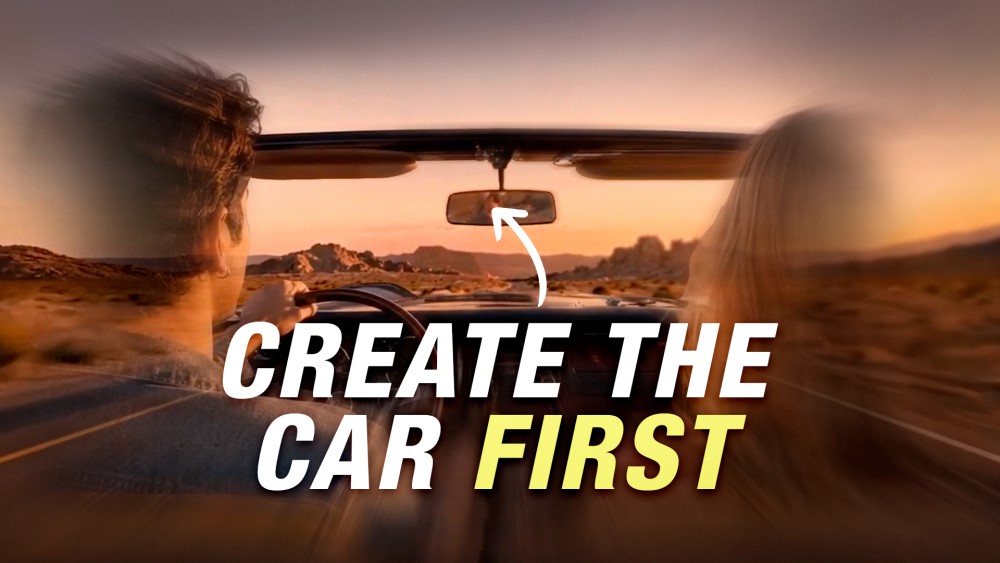
Shooting practical driving scenes is a logistical nightmare. You have to secure permits, hire police escorts, rent expensive process trailers, and pray the weather holds. If you are on an indie budget, process trailers are often entirely out of reach.
Historically, the alternative was shooting plates. You mount a camera array to a car, drive the route, and play that footage back on a green screen or an LED volume. But what happens if you cannot afford to shoot the plates, or your scene requires a landscape that doesn’t exist anywhere near your location—like an alien planet or a highly specific desert highway?
Generative AI gives you the power to build exactly what you need.
We are not saying this replaces a practical process trailer on a massive studio feature. But for independent filmmakers who need absolute control over their backgrounds without bankrupting the production, AI is a massive equalizer.
In the video below, Shane Hurlbut, ASC and AI specialist Chris Anthony break down a repeatable workflow for generating photorealistic 4K driving plates using invideo’s AI platform.
Here is the exact step-by-step breakdown of how to build a production-ready AI driving plate.
Managing AI Constraints
This workflow is incredibly powerful, but it is not flawless. During testing, the team discovered that the model struggles significantly with reverse camera movements. If you ask it to animate a dolly move that slides back and forth, the AI often gets confused and will only execute the forward motion.
Additionally, the 15-second cap forces you to be precise with your prompting. If you give the Agent conflicting prompts (like trying to squeeze 30 seconds of complex action into a 15-second window), the system will compensate by introducing harsh cuts, flipping the image, or creating unnatural motion.
Keep your prompts focused, prioritize the physical believability of the plate over tiny character details, and let your practical lighting and camera work on the soundstage do the heavy lifting.
FUTURE FILMMAKING WORKFLOWS
The tools shaping production are moving at breakneck speed, but taste, fundamentals, and storytelling endure. AI workflows are not replacing the craft of cinema. They are becoming powerful force multipliers that allow independent filmmakers to visualize complex sequences, solve technical hurdles in prep, and pitch bold ideas with total confidence.
Explore these deep-dive lessons inside the Filmmakers Academy platform to master the hybrid production model:
-
Navigating the AI Revolution: Evolution, Not Extinction
An unvarnished breakdown of where the film industry is heading, how studio economics are adapting, and how to adopt generative tools to protect your career without compromising your physical filmmaking craft.
-
Commercial Filmmaking AI Workflow
Learn how veteran director Jordan Brady uses hybrid AI pipelines to build winning treatments, solve on-set production problems, and manage client revisions across broadcast and vertical formats.
-
AI Driving Plate Workflow: Sunset
The complete blueprint for engineering photorealistic 4K background plates for LED volumes and green screen composites without the massive expense of a process trailer.
-
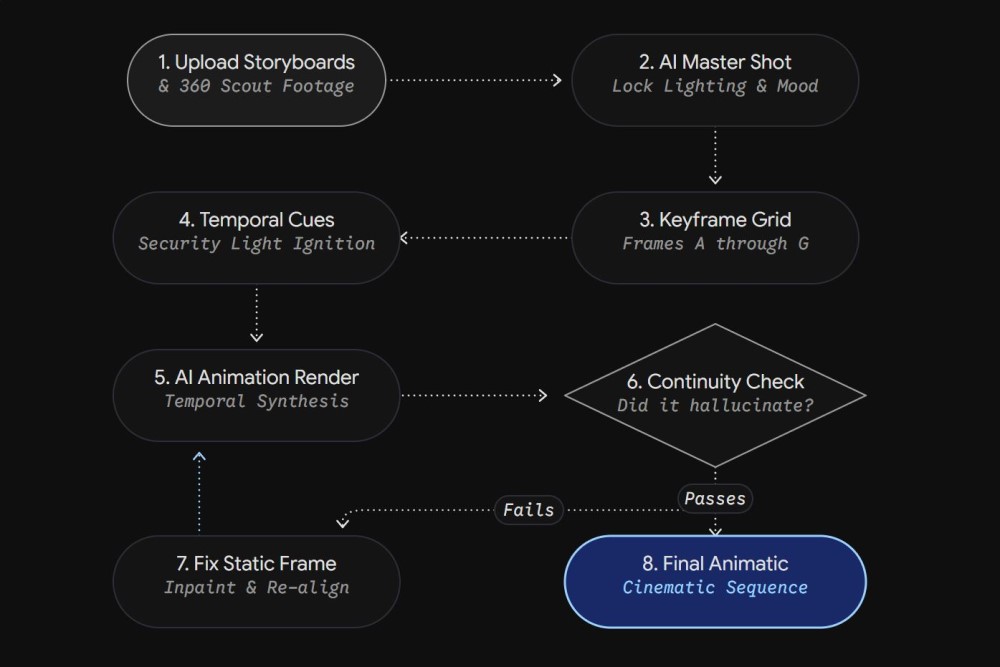
Take your 2D storyboards and turn them into animated, lighting-accurate previs with temporal lighting cues to lock in director approval before packing the gear truck.
JOIN FILMMAKERS ACADEMY AND SAVE $50!
Ready to take your filmmaking skills to the next level?
Join the Filmmakers Academy community and gain instant access to world-class masterclasses, practical on-set breakdowns, direct access to industry mentors like Shane Hurlbut, ASC, and an active network of passionate filmmakers worldwide.
Use promo code FABLOG50 at checkout to save $50 on your Annual Membership.
Immediate Implementation Checklist
-
Copy code FABLOG50 to apply at checkout.
-
Complete your Annual Membership registration to unlock all Future Filmmaking Workflows and premium masterclasses.